The TV remote, the soundbar remote, the streaming box remote, the cable remote, the projector remote, the fan remote… Most homes collect them over the years, and only one person in the house really knows which one does what. The good news: you can simplify a lot, whatever your budget.
1. Turn on HDMI-CEC
Most TVs, soundbars and streaming devices support a feature called HDMI-CEC, which lets them control each other through the HDMI cable. With it turned on, the TV remote can often control the soundbar volume, and turning on the streaming box can turn on the TV.
Each brand gives it a different name (Anynet+, Bravia Sync, SimpLink and others), so look for it in the TV's settings menu.
Pro tip: If things start turning on by themselves or fighting over control, CEC settings are usually the culprit. A few changes in the menu typically fix it.
2. Let the streaming device do more
If most of your viewing happens through apps, you may not need a cable box at all. A good streaming device puts every service in one place, and its remote can often handle power and volume for the TV and sound system too.
3. Use your voice
Voice control is the simplest remote of all. With Josh.ai, you can say "watch Netflix in the family room," "turn on the game" or "pause the movie" — and the right TV, input and volume are set for you. It works for lights, shades and music, too.
4. Move to a single smart remote
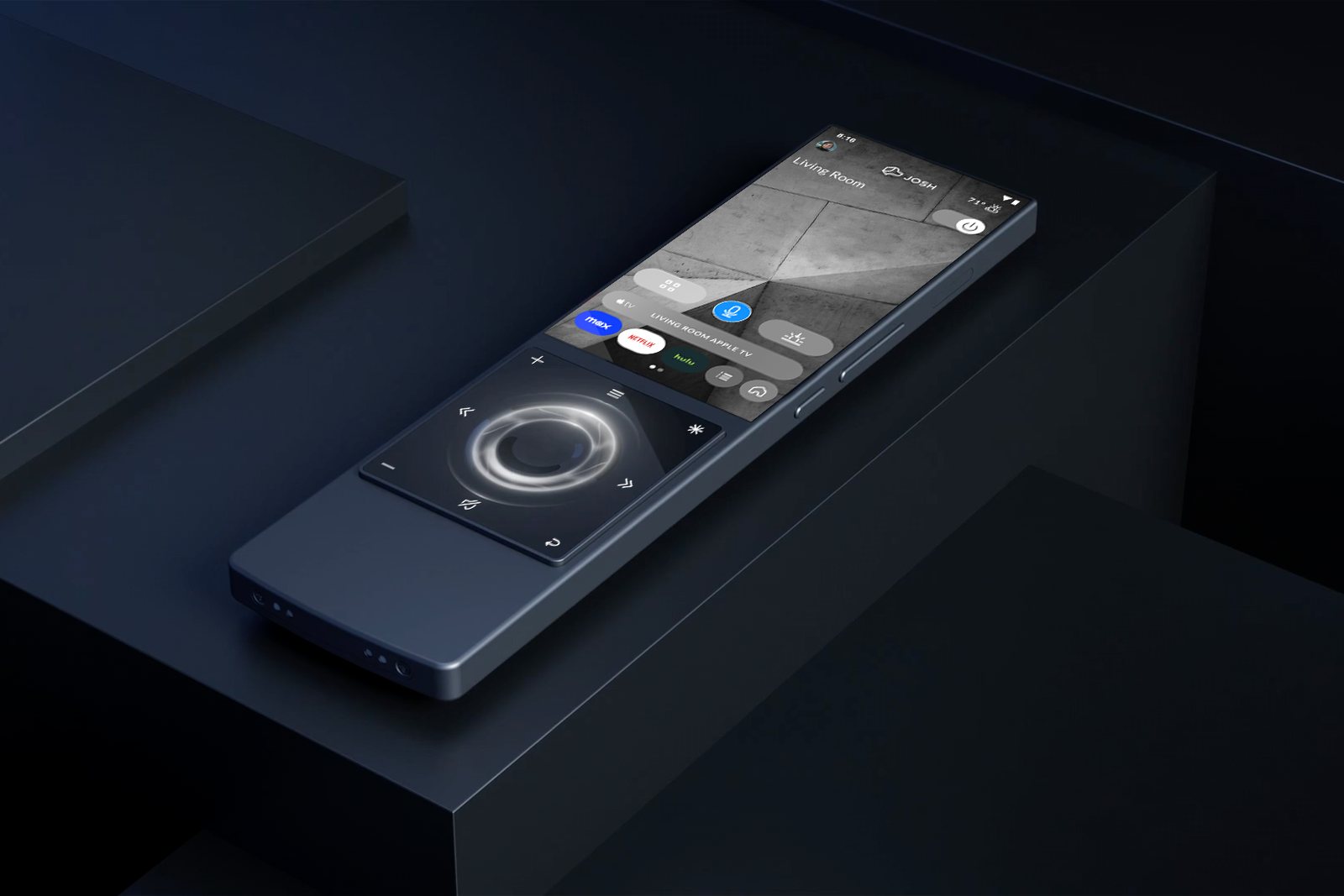
For media rooms and theaters with several components, a smart remote replaces the whole basket. One button — "Watch TV," "Movie," "Music" — turns on the right equipment, picks the right inputs and sets the room. Smart remotes like the AVA Cinema Remote also show the same Josh interface you see on your phone and wall touchscreens, so everyone in the house uses the system the same way.
5. Add a wall touchscreen or keypad
In rooms people pass through, a wall-mounted touchscreen or keypad can be even easier than a remote. Nobody has to find it, nobody sits on it, and it can control the TV, music, lights and shades from one spot.
6. Hide the equipment
When cable boxes, streaming devices and receivers live in a closet or rack instead of under the TV, the room looks cleaner and the remote matters less — the smart control system handles everything behind the scenes.
7. Put the old remotes away
Once a single remote or voice control is set up, put the original remotes in a drawer. Keep them for setup and troubleshooting, but out of the way.
The easiest option
If you want a one-touch experience in every room, the answer is a smart home control system designed for your equipment and your household. We set up Josh.ai and other control systems so that one remote, a touchscreen or your voice handles everything.
Learn more on our Smart Automation page, or schedule a consultation.