If your Wi-Fi struggles, the most common advice is to buy a mesh system: two or three matching units you plug in around the house. For some homes, that is all you need. For others, it is a temporary fix for a bigger problem. Here is how to tell which camp you are in.
What a mesh system does well
A consumer mesh kit is a set of Wi-Fi units that work together as one network. You place them around the home, follow an app, and in about an hour you have better coverage than a single router.
Mesh is a good fit when:
- The home is small to mid-sized, with a simple layout
- You have a modest number of connected devices
- Running cable is not practical
- You want something you can set up yourself
Where mesh starts to struggle
Most mesh units talk to each other wirelessly. Every wireless hop shares the same airwaves your devices are using, so speed drops the farther you get from the main unit. Thick walls, multiple floors and finished basements make it worse.
Mesh can also struggle as the device count climbs. Today's homes often have dozens of connected devices: TVs, phones, laptops, cameras, doorbells, speakers, thermostats and smart plugs, all competing for airtime.
Pro tip: Many mesh systems let you connect the units with network cable instead of wirelessly. If you already have cable in the walls, that one change can make a big difference.
What a professionally installed network adds
A professional network is designed around your home rather than placed wherever there is an outlet. The key differences:
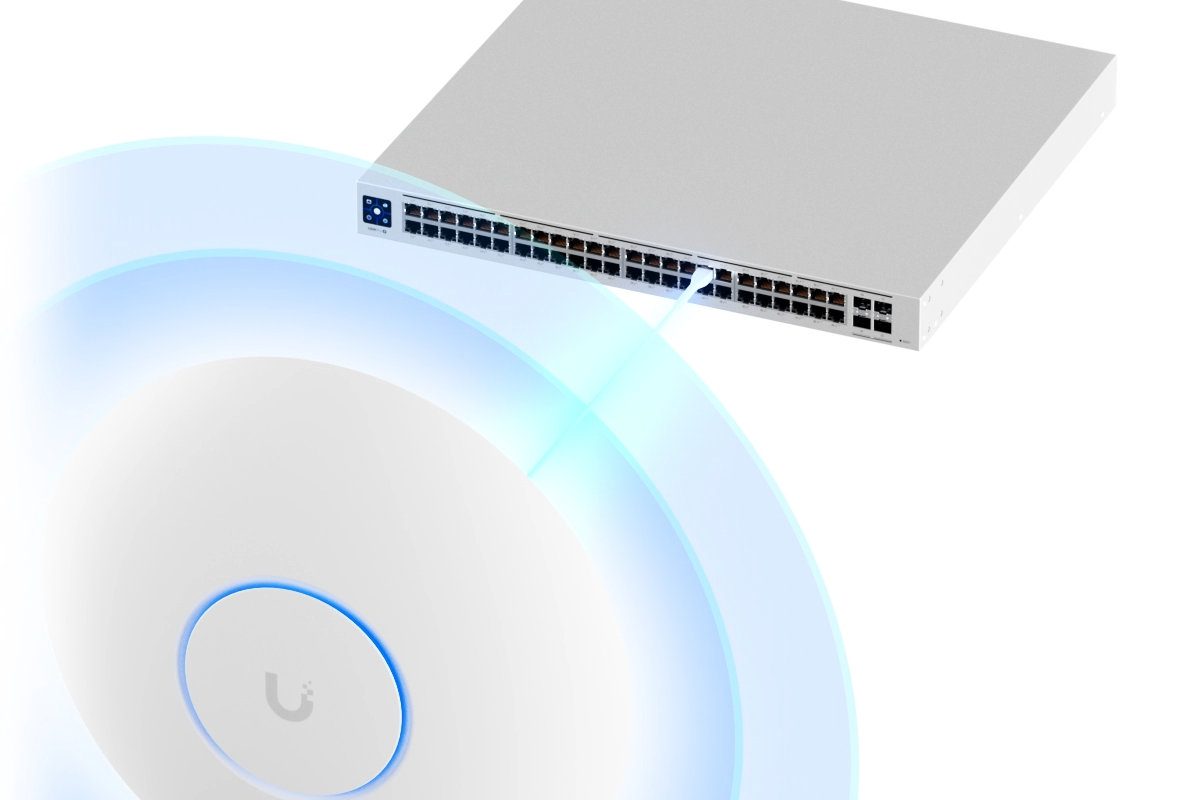
- Wired access points. Each access point is mounted on the ceiling and connected with its own cable, so every one delivers the full speed of your connection.
- Planned coverage. Access points are positioned to cover the rooms, outdoor spaces and detached buildings you actually use.
- A proper backbone. A dedicated router, switch and rack give every wired device — TVs, cameras, streaming boxes — a stable connection.
- Separate networks. Guests, smart devices and cameras can each live on their own network, which keeps things faster and more secure.
- Monitoring and support. Your integrator can often see problems remotely and fix them before you notice.
Which one is right for you?
A mesh system is usually enough for a smaller home with straightforward needs. A professionally designed network is worth considering if:
- Your home is large, has several floors or has a finished basement
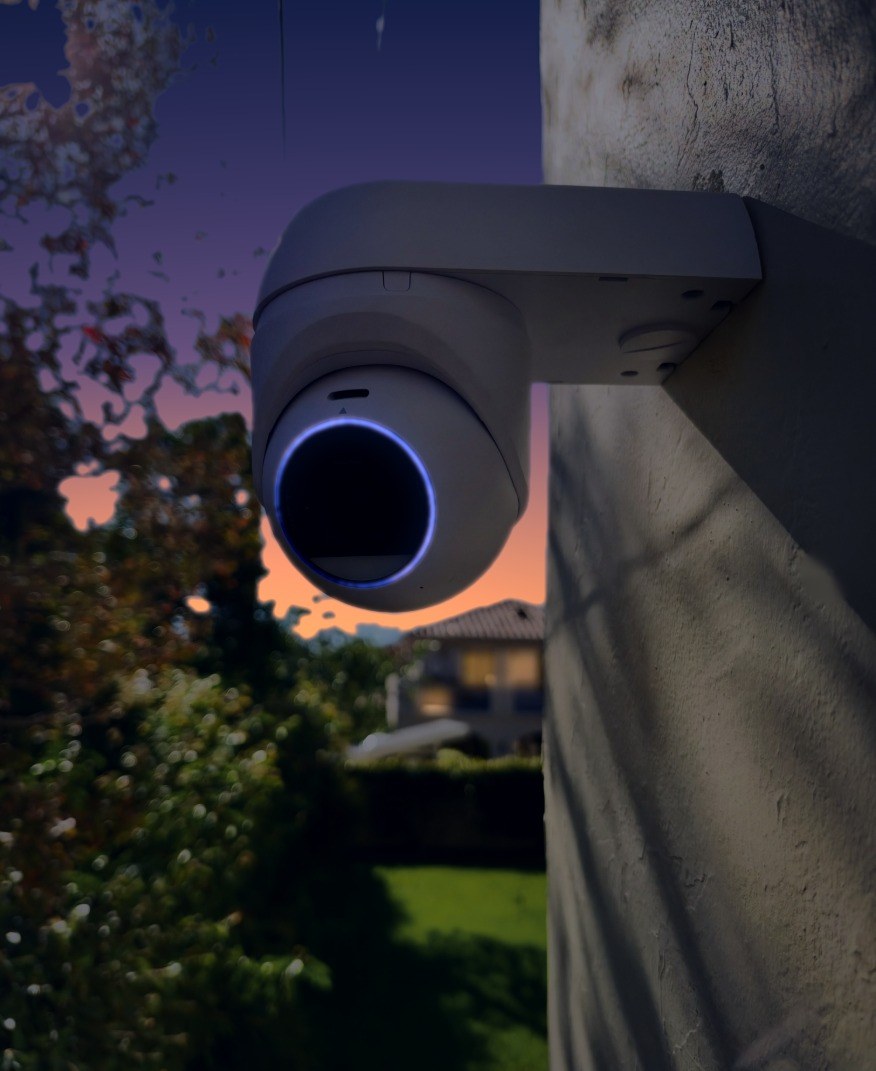
- You have, or plan to add, cameras, whole-home audio or several streaming TVs
- People work from home and rely on video calls
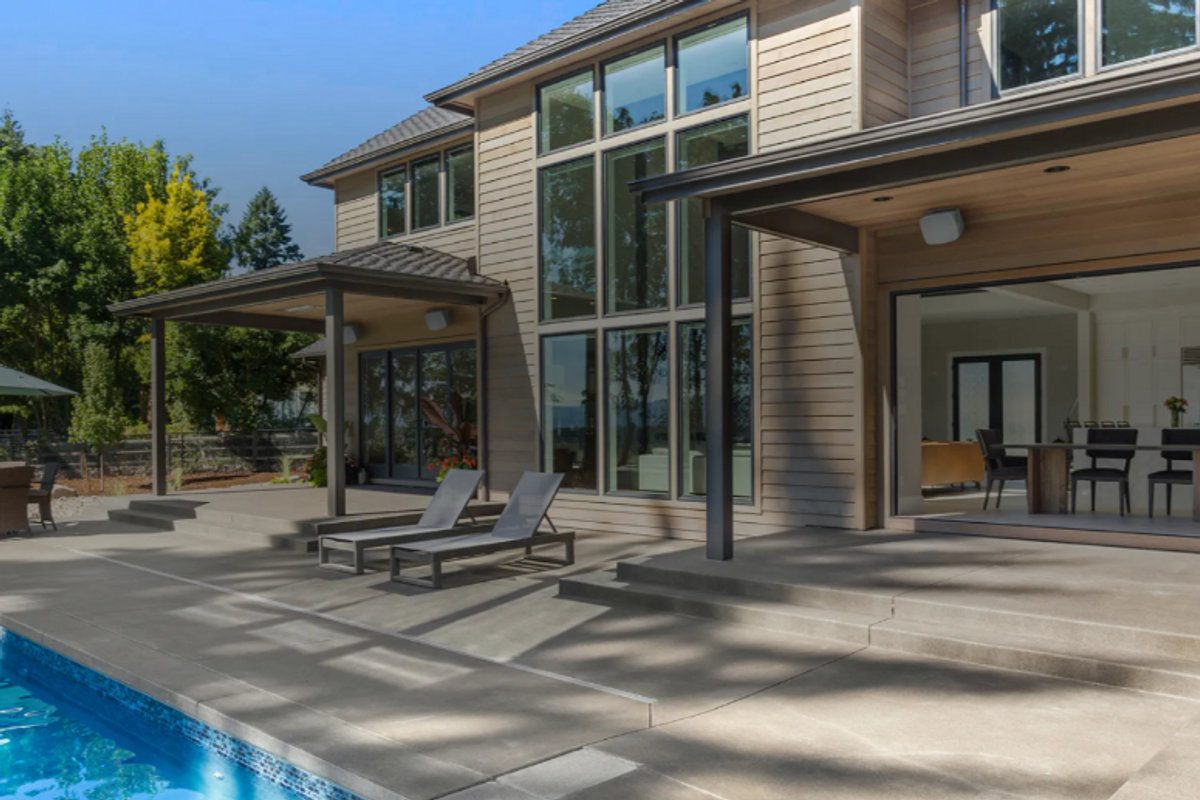
- You want Wi-Fi outside, in a detached garage or by the pool
- You are building or remodeling and can run cable now
How we approach it
We design and install UniFi networks with wired access points, a dedicated network rack and separate networks for guests and smart devices. Every network is tested room by room before we leave. Read our 8 ways to get better Wi-Fi for quick fixes you can try first.
Learn more on our Networking & Wi-Fi page, or schedule a consultation and we will take a look at your home.